A growing company uses a popular software product to manage customer requests.
At first, it works well. The monthly price is reasonable, setup takes a few days and employees quickly learn the basic features.
Two years later, the business has changed. Sales creates quotes in one tool. Operations copies the approved details into a spreadsheet. Finance enters the same information into the accounting system. Managers pay for four additional products because the original platform does not support the complete workflow.
The software still works. The business is working around it.
This is usually when leaders begin asking whether they should continue with off-the-shelf software or invest in a custom system.
There is no universal answer. Standard software can be faster, safer and more economical for common business functions. Custom software can be valuable when a unique process affects revenue, customer experience or operating efficiency.
The right decision depends on the problem, not the popularity of either option.
This guide explains how to compare custom software vs off-the-shelf software using practical business criteria rather than assumptions.
What Is Off-the-Shelf Software?
Off-the-shelf software is a ready-made product designed for many customers. It normally includes standard features, predefined workflows, documentation, vendor support and regular updates.
Examples include accounting platforms, payroll products, customer relationship management systems, project management tools, email services and help desk software.
Most products use a subscription model based on users, features, transactions, storage or usage. Some products offer several pricing plans, while others charge separately for implementation, support or integrations.
The main advantage is speed. A business can select a product, configure its account, import data and begin using it without funding a complete software project.
The main limitation is fit. The product must serve many customers, so the business may need to adjust its process around the available features.
What Is Custom Software?
Custom software is designed for the requirements of one company, user group or business model.
It may be a complete application, customer portal, mobile app, internal operations system, product configurator, reporting dashboard or integration layer between existing products.
Custom does not always mean building everything from the beginning. A development team may use established cloud services, databases, payment gateways, communication tools and open-source components. The custom work connects these components around the company's workflow.
The main advantage is control over how the software operates, integrates and develops over time.
The main limitation is responsibility. The business must fund discovery, design, development, testing, security, hosting, support and future improvements.
The Decision Is Not Limited to Build or Buy
Many comparisons present only two options. Modern business systems offer at least five practical choices:
- 1Buy: Use a standard product with minimal configuration.
- 2Configure: Adjust fields, permissions, forms and workflows within a standard platform.
- 3Integrate: Connect several existing products so information moves between them.
- 4Extend: Add a focused custom portal, dashboard or module around a standard product.
- 5Build: Develop a dedicated system for the complete process.
Forrester has also argued that business software decisions now include buying, customizing and composing different capabilities rather than treating the choice as strictly binary. Review the current software acquisition perspective.
For many growing businesses, the best answer is a combination. Accounting and payroll may remain on established products while a custom customer portal, quotation engine or operations dashboard supports the company's distinctive process.
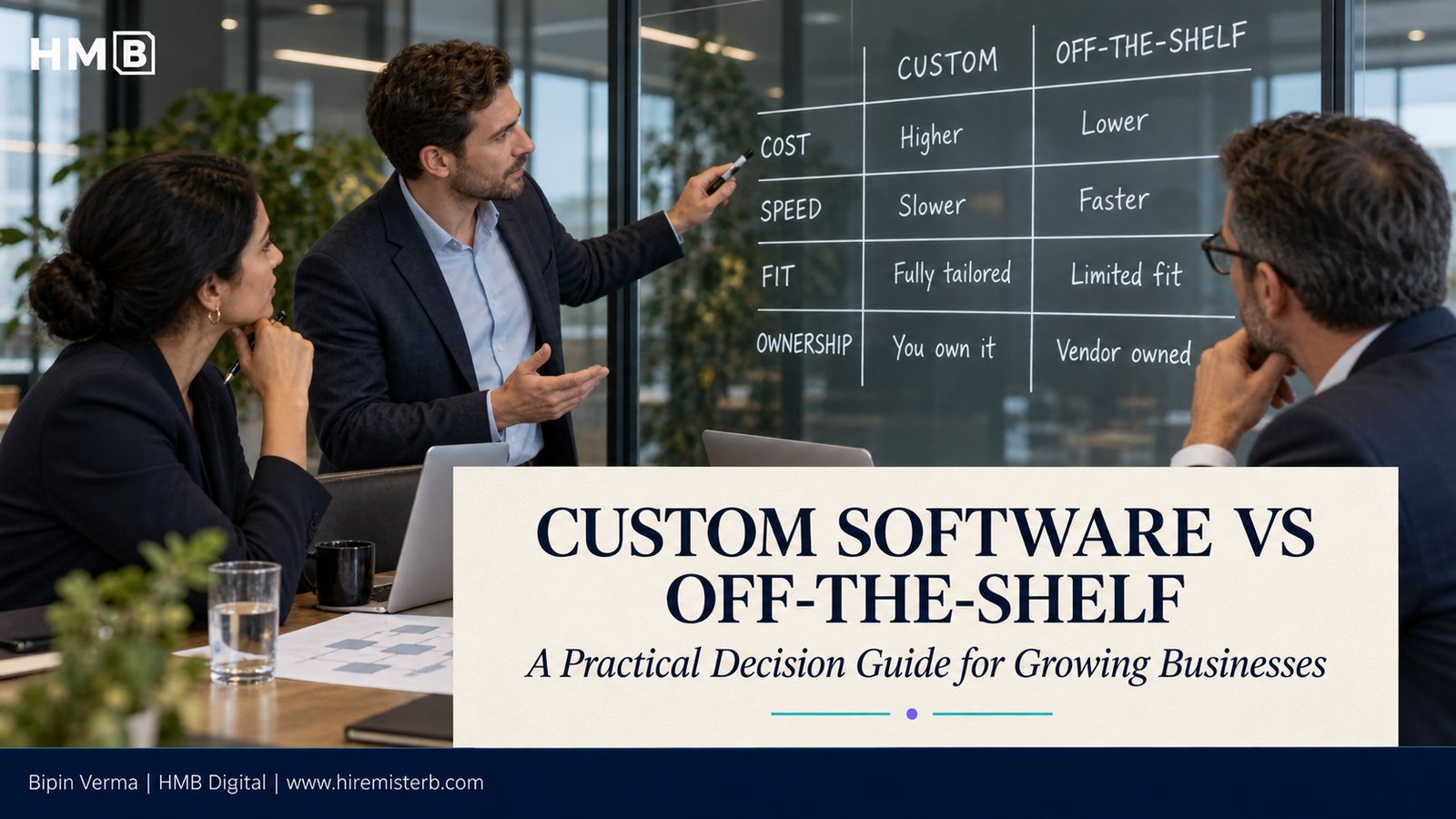
Custom Software vs Off-the-Shelf Software Comparison
| Decision area | Off-the-shelf software | Custom software |
|---|---|---|
| Starting speed | Usually faster | Requires discovery and development |
| Initial cost | Usually lower | Usually higher |
| Ongoing cost | Subscription, user and add-on fees | Hosting, support, maintenance and improvements |
| Process fit | Designed for common workflows | Designed around agreed requirements |
| Flexibility | Limited by vendor features and configuration | Greater control over functions and priorities |
| Integration | Depends on available connectors and APIs | Can be designed around required systems |
| Ownership | Vendor owns and controls the product | Contract should define source code and intellectual property rights |
| Updates | Managed by the vendor | Planned and funded by the business |
| Support | Vendor plans and support levels | Development partner or internal team |
| Security | Shared vendor responsibility | Shared responsibility across owner, developer and hosting providers |
| Scalability | Limited by plans and product architecture | Can be designed for expected growth, but must still be tested |
| Vendor dependency | Product, pricing and roadmap dependency | Development, hosting and technical knowledge dependency |
Neither column is automatically better. Each transfers cost, control and responsibility in a different way.
When Off-the-Shelf Software Is the Better Choice
The process is standard
Payroll, bookkeeping, team messaging and basic task management usually follow familiar patterns. A mature product may already provide the required controls, reports, support and integrations.
Building a custom version of a standard function can add cost without creating meaningful business value.
The business needs to start quickly
If a team needs a working solution within days or weeks, packaged software offers a shorter path. The company can test its process before investing in something more specific.
Requirements are still unclear
Custom development is risky when leaders do not yet understand the workflow or user needs. A standard product can help the team learn what is essential, what is unnecessary and where real limitations appear.
The available product fits most requirements
A company should not commission a custom application because a standard product handles one screen differently from personal preference.
If the product supports the important workflow, integrates with key systems and provides acceptable reporting, configuration may be enough.
The company cannot support ongoing ownership
Custom software needs a responsible owner, maintenance budget and long-term plan. A business without those resources may be safer choosing a reputable product with reliable vendor support.
When Custom Software Deserves Serious Consideration
The workflow is central to competitive advantage
A manufacturer may have a unique quotation and product configuration process. A logistics company may coordinate routes, customer rules and proof of delivery in a way standard products do not support. A service business may use a scheduling and pricing model that directly affects margins.
When the workflow helps the company win or retain customers, forcing it into a generic product can weaken the advantage.
Employees depend on repeated workarounds
Common warning signs include:
- Exporting and importing spreadsheets every day
- Copying the same information between systems
- Maintaining important records outside the main platform
- Paying for several products to complete one process
- Using email or group messages for approvals
- Creating manual reports because system reports are incomplete
- Relying on one employee who understands the entire workaround
The cost is not only staff time. Manual handoffs can delay customers, introduce errors and limit management visibility.
Integration limits are affecting the business
A standard product may provide an integration, but it may not exchange the fields, timing or business rules the company needs.
Custom development can connect a website, CRM, finance platform, inventory system, customer portal and reporting layer. However, the integration remains dependent on the external products and their available interfaces.
Customer experience requires a distinctive process
A B2B customer may need contract pricing, account-specific products, approval limits, document access and repeat ordering. A basic online store may not fit that relationship.
A focused custom portal can support the customer-facing experience while established systems continue handling accounting, inventory and payment.
Subscription and add-on costs keep growing
A low monthly price can increase as the team adds users, storage, advanced reports, integrations and service levels.
Custom software is not automatically cheaper, but a three-year or five-year comparison may show that the company is paying heavily for several products while still completing significant work manually.
The vendor roadmap creates a business risk
The vendor may remove a feature, change pricing, restrict access to data or discontinue a product. If the business depends heavily on that system, leaders should evaluate alternatives and exit options before a change becomes urgent.
The Hidden Costs of Off-the-Shelf Software
The subscription price is only the visible starting point.
Include these costs in the assessment:
- Implementation and data migration
- Configuration and consulting
- User licenses and minimum commitments
- Premium support
- Additional storage or transaction fees
- Connectors and integration products
- Employee training
- Manual work outside the platform
- Duplicate subscriptions
- Contract price increases
- Data export or transition work if the company leaves
Also measure the business effect of limitations. If an unsuitable quoting process causes delays, the cost may appear in slower sales rather than the technology budget.
The Hidden Costs of Custom Software
The initial development estimate is not the total cost of ownership.
A responsible budget should include:
- Business analysis and requirements
- User experience and interface design
- Software development
- Quality assurance and user testing
- Data migration
- Third-party services and licenses
- Hosting, backups and monitoring
- Security reviews
- Documentation and training
- Support and bug fixes
- Operating system, browser and device changes
- New features and business rule updates
- Technical modernization over time
Custom software that is launched and then ignored will become difficult to maintain. Ownership begins at launch rather than ending there.
Compare Total Cost Over Several Years
Use the same time period for both options. Three years is often useful for an initial comparison, while five years may be appropriate for a core operating system.
Off-the-shelf total cost
Calculate:
Custom software total cost
Calculate:
Do not include false precision. Use reasonable ranges and document the assumptions.
Then compare benefits such as reduced processing time, fewer errors, faster customer response, additional capacity, improved conversion or lower dependency on manual work.
A Practical Decision Scorecard
Score each area from 1 to 5. A higher score means the need for control or customization is stronger.
| Question | 1 point | 5 points |
|---|---|---|
| How unique is the process? | Common across many businesses | Central and distinctive to the company |
| How well do available products fit? | Strong fit | Major gaps remain after configuration |
| How important are integrations? | Few standard connections | Several complex or real-time connections |
| What is the cost of current manual work? | Limited | High and growing |
| How quickly is a solution needed? | Immediate | Phased delivery is acceptable |
| How often do requirements change? | Rarely | Frequently and strategically |
| How important is control of the roadmap? | Low | High |
| Can the business fund ongoing ownership? | No | Yes, with an assigned owner and budget |
| What is the risk of vendor dependency? | Acceptable | Material business exposure |
| Does the workflow affect customer value? | Indirect | Direct effect on revenue or retention |
The score should support discussion, not make the decision automatically.
Low scores normally support buying or configuring. Middle scores often support integration or a custom extension. High scores may justify a dedicated build after deeper discovery.
Security and Compliance Need Equal Attention
Security is not guaranteed by either choice.
With packaged software, assess the vendor's access controls, authentication, encryption, backups, incident response, compliance evidence, subcontractors and data export process. Understand which security tasks remain the customer's responsibility.
With custom software, define secure development practices, access roles, audit logs, dependency management, testing, backup procedures, monitoring and incident response. NIST's secure software guidance for producers and purchasers offers useful questions for evaluating development practices.
Security should be part of selection and design, not an item added shortly before launch.
Questions to Ask an Off-the-Shelf Vendor
- 1Which required features are standard, configured or dependent on add-ons?
- 2What will the complete cost be at our expected user and transaction volume?
- 3Which price changes can occur during the contract?
- 4What integrations and data fields are available?
- 5Can we export all business data in a usable format?
- 6How are backups, security incidents and service interruptions handled?
- 7What support response times apply to our plan?
- 8What happens if the product or feature is discontinued?
Questions to Ask a Custom Development Partner
- 1How will you verify the business problem before development?
- 2Which parts should use established products or services?
- 3How will scope, timeline and change requests be managed?
- 4Who owns the source code, designs and documentation?
- 5How will security and quality be tested?
- 6What third-party costs will continue after launch?
- 7How will our team receive documentation and training?
- 8What support and maintenance options are available?
- 9How can another qualified team maintain the system later?
A 90-Day Decision Process
Days 1 to 30: Define the problem
Map the current workflow from start to finish. Record systems, employees, customer steps, manual work, errors, delays and exceptions.
Separate required outcomes from preferred features. Estimate the cost of the current problem.
Days 31 to 60: Evaluate the realistic options
Shortlist packaged products and test them against real scenarios. Review configuration, integration and extension options before assuming a full build is required.
At the same time, prepare a high-level custom solution outline with cost ranges, phases, dependencies and ownership requirements.
Days 61 to 90: Validate the preferred path
Run a product pilot, configuration workshop or custom prototype. Include the people who perform the work every day.
Review total cost, implementation risk, security, data ownership, vendor dependency and measurable benefits. Make the decision using documented evidence.
How HMB Digital Can Help
HMB Digital helps growing companies choose and implement the right software approach without assuming that every problem requires a custom build.
We can assess the current workflow, compare available products, plan integrations, design a focused custom module or develop a complete application when the business case supports it.
Our work can include customer portals, internal operations systems, mobile applications, product configurators, approval workflows, dashboards, system integrations and ongoing support.
Explore HMB Digital's industry software solutions or learn about dedicated developers and managed delivery teams.
To discuss a software decision assessment, contact HMB Digital.
Final Thought
Off-the-shelf software is often the right starting point. Custom software is valuable when the business has a clear, important problem that available products cannot solve well enough.
Do not build for preference. Do not buy only because implementation appears easier.
Define the business outcome, compare the full cost, test the available options and decide who will own the system after launch.
Frequently Asked Questions
What is the difference between custom and off-the-shelf software?
Off-the-shelf software is a ready-made product for many customers. Custom software is designed for the requirements of one business, workflow or user group.
Is custom software always more expensive?
Custom software usually has a higher initial cost. However, the long-term comparison should also include packaged software subscriptions, add-ons, integrations and manual work.
Is off-the-shelf software suitable for growing businesses?
Yes. It is often suitable when the process is standard, requirements are clear and the product can scale at an acceptable cost.
When should a business consider custom software?
Consider it when a distinctive workflow affects revenue, customer experience or efficiency and available products leave significant gaps after configuration.
Can a business combine custom and off-the-shelf software?
Yes. A common approach is to keep established products for standard functions and add custom portals, workflows, integrations or reporting around them.
How long does custom software development take?
Timing depends on scope, integrations, security needs, data migration and testing. A focused first phase may take several weeks or months, while larger platforms require phased delivery.
Who should own custom software after launch?
The business should assign a product owner and maintenance budget. Contracts should clearly define source code, intellectual property, documentation and support responsibilities.
What is the safest way to make the decision?
Map the workflow, calculate the current problem, test available products and validate the proposed custom solution before making a major commitment.
Share Article
About the Author

Bipin Verma
LinkedInManaging Director
HireMisterB Digital
Bipin leads HireMisterB's strategic vision and enterprise client relationships. With over a decade of experience helping businesses across the US, UK, and India digitise their operations, he believes technology only matters when it creates measurable business value. His background spans product strategy, digital transformation, and building high-performance distributed teams.